In class
You teach.
It listens.
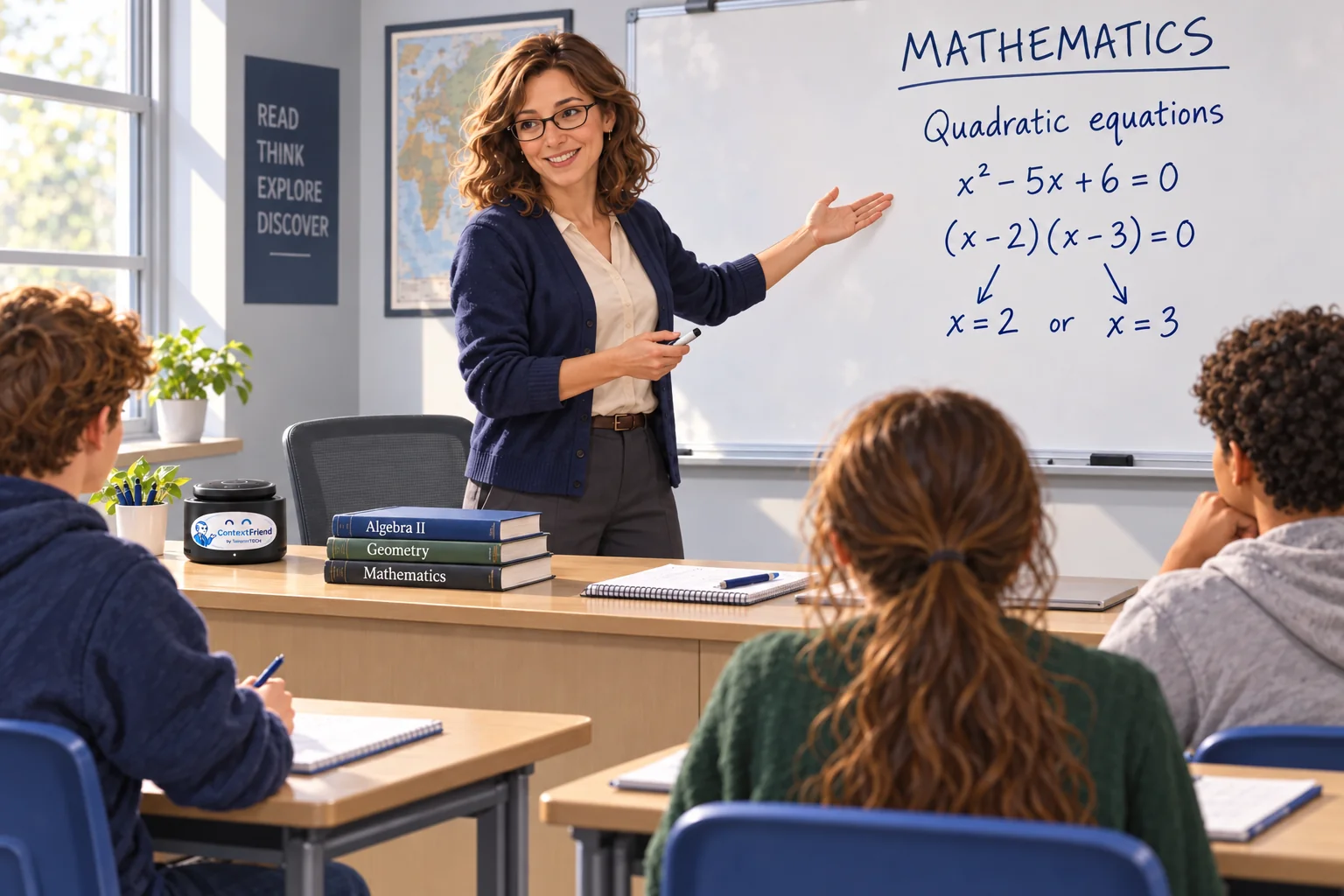
The teacher works through a quadratic equation on the board, explaining each step aloud. ContextFriend listens from the side of her desk.
The device stays in the background.
Automatic lesson summaries. Private by design.
Private by design.100 % local · encrypted · GDPR / DSGVO
ContextFriend gives your class a memory. The explanations, examples and homework of each lesson are summarised automatically, so teachers and students can revisit them, ask questions and practise.
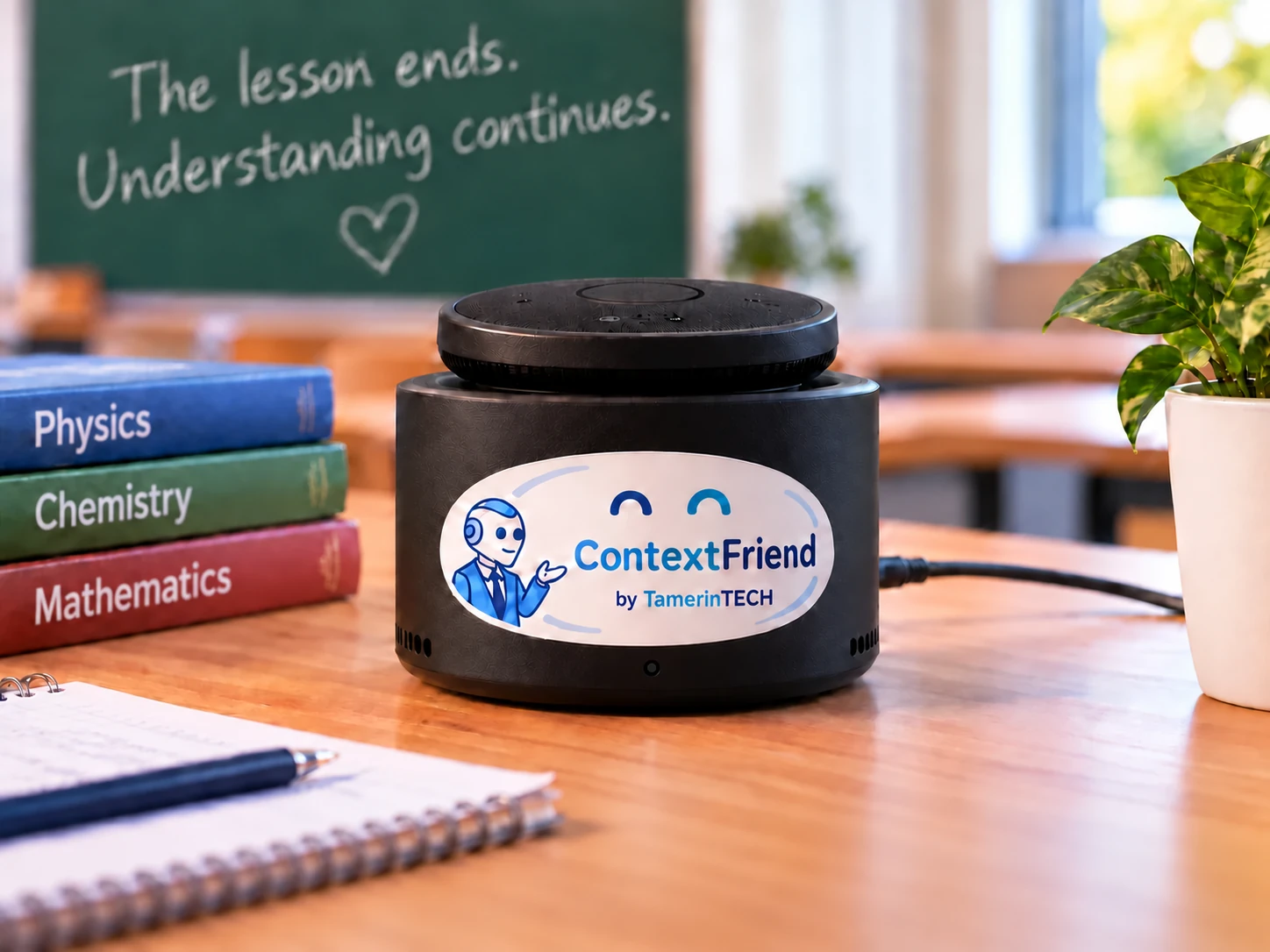
Quietly in the classroom. No screen, no lights, no sound.
From the classroom to the kitchen table
The bell rings. The classroom empties. The explanations and examples can still help later.
In class
The teacher works through a quadratic equation on the board, explaining each step aloud. ContextFriend listens from the side of her desk.

After class
Later, the teacher returns to the worked example, the explanation of factorising and the homework discussed in class.
After school
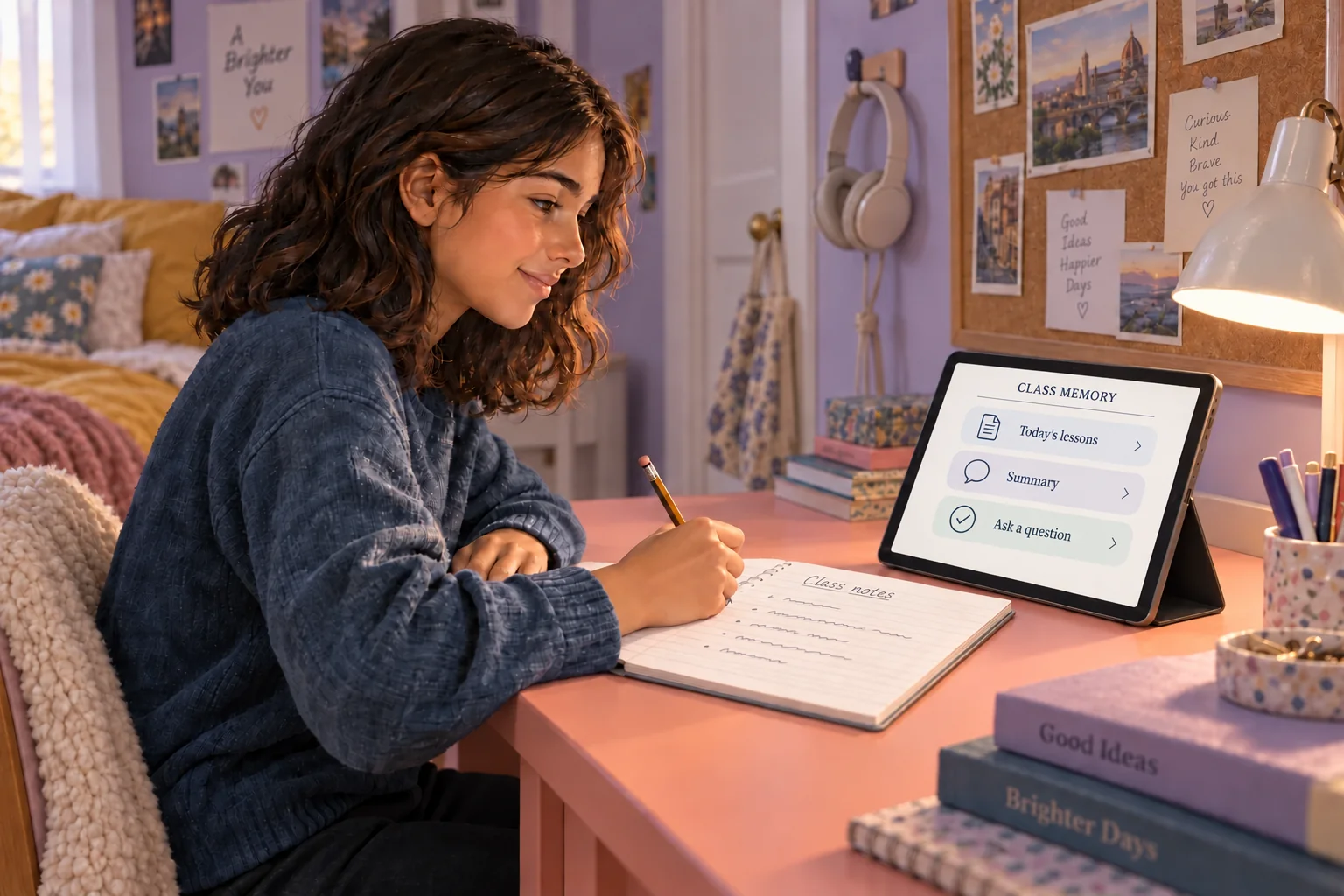
At home, a student asks why either factor can be zero. The class explanation gives them a place to start again.
Illustrative school day. Summaries become available after processing, according to the school’s setup.
For teachers
Your class memory brings back the examples, explanations and assignments you want to build on.
Summaries focus on learning content, without scoring or ranking teachers. AI output can be incomplete or mistaken.
Tuesday · Mathematics
Solving a quadratic equation by factorising, then checking both solutions.
We rewrote x² − 5x + 6 = 0 as (x − 2)(x − 3) = 0. This gives x = 2 or x = 3. Substituting either value into the original equation gives zero.
Solve x² − 7x + 12 = 0 by factorising. Check both solutions in the original equation.
Based on the available lesson material
Illustrative summary · fictional lesson
Ask about the lesson
Why can either factor be zero?
In class we wrote (x − 2)(x − 3) = 0. Multiplying by zero gives zero, so the product is zero if x − 2 = 0 or x − 3 = 0. That gives the two solutions x = 2 and x = 3.
From Tuesday’s mathematics lesson
x = 4 or x = −1.
CorrectYes. Each value makes one of the factors zero, so the product is zero.
Illustrative example · fictional lesson, no live AI
For students
Missed a lesson? Stuck on an example? Your class memory gives you a place to return to, ask in your own words and practise at your own pace.
Try an example:
Lesson answers use the available class material. Extra explanations from general knowledge are marked separately. If information is missing, the answer should say so.
For parents
When your child gets stuck at home, the classroom explanation is a place to start again.
“Why do we get two possible answers?” With home access enabled by the school, your child can return to the class explanation and put it into their own words. You can support them, even if you weren’t there for the lesson.
What families and schools should know
For your school
ContextFriend runs 100 % locally in your school. No cloud. Everything is encrypted, every class is kept separate, access is controlled and GDPR / DSGVO responsibilities are clear.
Summaries cover the subject matter of the lesson. They never comment on how anyone taught or behaved.
Students and teachers use separate class codes. Every class is kept strictly apart, and home access is switched on by the school.
Before the first lesson, your school and we agree how speech is processed, what is stored, who has access and when it is deleted. Families are informed beforehand.
Everything runs on a server in your school: speech recognition, filtering, summaries, search and AI. No cloud, no external AI services. All data is encrypted, in storage and in transit. Voices are never stored as audio files, names and private remarks are filtered out before anything is saved, and speakers stay anonymous. Students and teachers see summaries and answers, never a transcript. Teachers can review, correct or delete notes. The school sets the retention period; by default, learning content is deleted at the end of the school year.
Read the school privacy information · Discuss your school’s requirements
Start with one classroom
Tell us how you teach and what your students need. We’ll talk through a pilot, the setup and the questions that matter to you.
A conversation, not a purchase order.
It is a way to return to what your class covered after the lesson ends. A small device listens in class; AI turns the available material into summaries and helps teachers and students ask about it later. The classroom device has no screen, lights or sound. You revisit the class memory through a web app.
Teach as usual once the school has set up the device and agreed when it can listen. Materials can be added when useful. The device has no camera, so something written only on the board needs to be explained aloud or added as material.
Summaries are prepared after lesson processing. Day summaries follow the school’s configured schedule. They are not guaranteed to be ready the moment the bell rings.
When the school enables home access, students use its class link and access code on a phone, tablet or laptop. They can revisit summaries, ask about the lesson and practise. There is no extra ContextFriend device to take home.
On a server in your school. Speech recognition, filtering, summaries and AI run locally, with no cloud and no external AI services, and everything is encrypted. Voices are never stored as audio files. The school sets the retention period for learning content; by default it is deleted at the end of the school year.
No. It supports the teacher and uses available lesson material. AI can make mistakes or miss information. General explanations are marked separately from class material, and students should check important points with their teacher.