• Classroom memory that stays in the school
  • Made in Germany
  • No cloud AI for your lessons

The AI that was actually there.

A private AI brain for classrooms and workshops. It is in the room during the lesson, learns what was taught and discussed, and helps the class keep learning afterwards.

  • It was there — so it knows your lessons, not just the internet.
  • Learns from your materials and what was actually taught.
  • Processed locally. No classroom recordings. No names required.
Empty sunlit classroom: a small handmade wooden listening box with a green LED sits on the teacher’s desk among books and papers. No people.
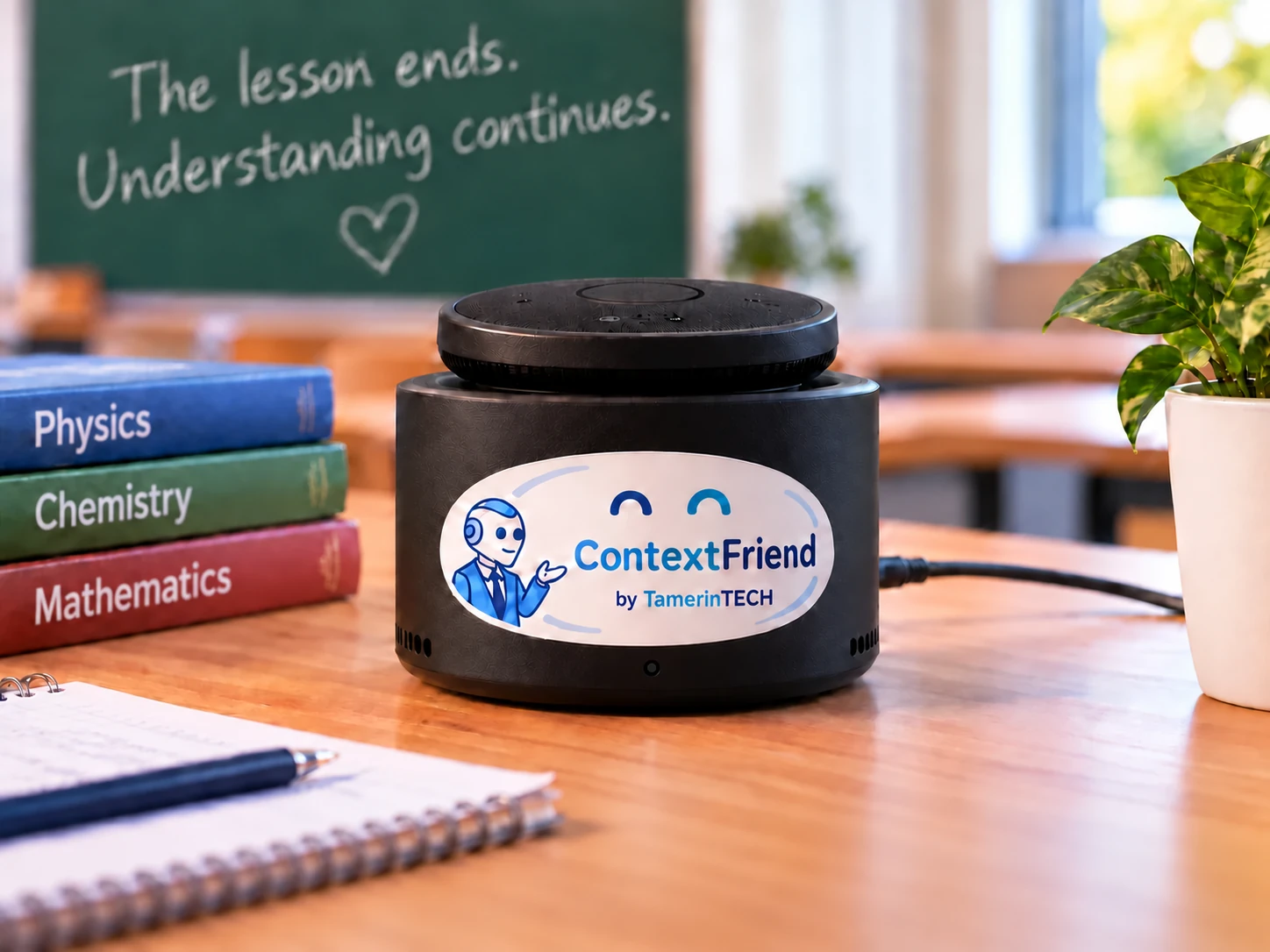
A ContextFriend box on a teacher’s desk. Homemade, on purpose.

General AI knows the world. ContextFriend knows what happened here.

AI normally knows everything — except your lesson. ContextFriend was there.

Not just trained on the internet. Trained by being there.

A generic AI knows

  • Textbooks and Wikipedia
  • General knowledge
  • Common teaching methods

It has never heard

  • How your teacher explained it yesterday
  • Which example the class used
  • What has already been covered — and where it got difficult
  • What homework was assigned

ContextFriend knows

  • The learning materials you provide
  • What happened during the lesson
  • The teacher’s explanations and examples
  • What the class has already covered
  • The learning history of this class or group

It was there.

The class remembers.

  • Empty wooden school desk and chair by a window, backpack on the floor. No people.

    Student was sick.

    I was sick yesterday. What did I miss?

    ContextFriend explains the lesson from what actually happened in it — not from somebody else’s notes.

  • Green chalkboard with a half-erased explanation, chalk on the teacher’s desk. Empty classroom.

    Student did not understand.

    Explain it again the way Ms Müller explained it.

    The answer stays close to the teacher’s own method and words — not a generic textbook paragraph.

  • Weeks later.

    When did we first learn percentages?

    The Class Memory reaches back: what was covered when, and how it connects to today’s lesson.

  • Teacher’s desk from above: register, coffee, red pen, and a small wooden listening box with a green LED.

    Substitute teacher.

    What has this class already covered?

    A concise overview of where the class stands — without the handover meeting that never happened.

  • Homework, the class’s way.

    Help me with number 4 — using the method from class.

    Help that follows the method the class actually learned, instead of a shortcut the teacher never taught.

And more: revision before a test, project groups, questions in the language you think in…

Your classroom has a memory now

We call it the Class Memory. Every lesson adds to a private memory that belongs to that class. Not a recording. Not a surveillance archive. A structured memory of what was learned.

Lesson: Fractions and reducing fractions

ContextFriend remembers

  • The concepts that were introduced
  • The teacher’s examples — pizza slices included
  • Exercises and homework
  • Questions the class found hard
  • Explanations that helped

It deliberately does not remember

  • Which child made a mistake
  • Personal conversations
  • Students’ names or voices

Store knowledge, not conversations.

How ContextFriend learns

  1. Books and papers stacked on a desk, ready for a lesson.

    Before class

    The teacher adds books and materials.

    PDFs, slides, worksheets — the class’s own sources, not the open internet.

  2. A small listening box with a pulsing LED in front of a chalkboard.

    During class

    ContextFriend quietly learns with the class.

    A small box in the room follows what was taught and how it was explained. The mute is physical, not a setting in an app.

  3. A school laptop showing a structured summary beside the listening box.

    After class

    The lesson becomes Class Memory.

    What was taught, which examples were used, what is due — structured knowledge, not a recording. The teacher can review and correct it.

  4. A school laptop on the school network, with a question beside it.

    Later

    Ask — the box stays at school.

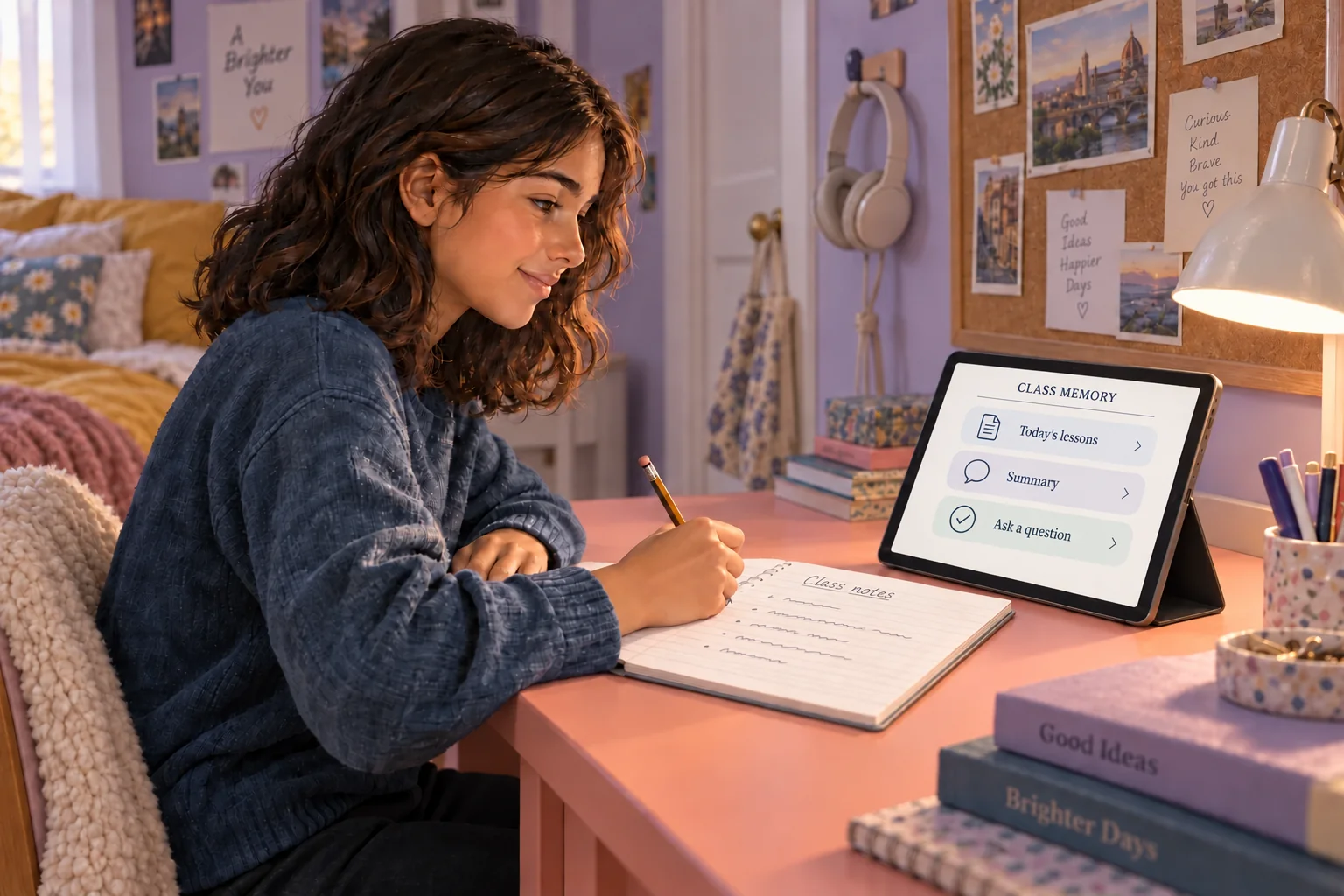
    Students and teachers ask in the school portal: laptop, tablet or phone, through the school’s own VPN or tunnel. The memory never leaves the building.

And all of this happens locally, inside the school.

Your school data stays in your school

What happens inside ContextFriend
  1. Classroom speech
  2. Transcribed locally
  3. Speakers stay anonymous
  4. Learning knowledge extracted
  5. Raw audio discarded
  6. Only the Class Memory remains

No classroom recordings. No student profiles. No cloud listening.

  • Runs locally

    Speech, memory and answers live on a machine the school controls.

  • No audio recordings

    Audio is a stream. It is not kept as a file in normal operation.

  • No student names

    Speakers are Teacher and Speaker-N. Nobody is identified.

  • No lesson data sent to cloud AI

    Transcripts, documents and memory never go to a hosted model.

  • Teacher controlled

    Teachers see what was remembered, correct it — or delete a session entirely.

  • Your knowledge stays yours

    Class memory is never used to train public AI models. It cannot be — it does not leave the school.

For IT and data protection → Technical details

Interested in trying it at your school?

We are selecting a small number of schools and workshop partners for our first pilots.

Apply for a pilot

How it works technically

One powerful private brain for the school. One small ContextFriend in every room. A portal for teachers and students — and nothing of the lesson leaves the building.

Your school

  1. Classroom
  2. ContextFriend box
  3. Local school brain
  4. Teacher / student portal

No lesson data here.

Three pieces, all on the school network

  1. A box in the room

    The Room Brain is a small listening box with a microphone and a physical mute. It is a participant, not a recorder: it learns what was taught and how it was explained.

    A small Raspberry-Pi-class box with a microphone and a pulsing LED.
  2. A brain in the school

    The Central Brain is a strong local machine — a Mac mini or similar, in a locked cupboard. It transcribes, remembers and answers. No hosted LLM. No hosted speech-to-text.

    A small computer in a locked cupboard with a LAN cable and no route to the internet.LAN
  3. A portal for the class

    Teachers and students ask at the box or later in the school portal, on the LAN or through the school’s own VPN or tunnel — not a public SaaS address.

    A school laptop on the local network, with a question beside it.
Technical details

Product guarantees, stated the way they are actually implemented — including the caveats.

  • No cloud AI for lessons

    Speech-to-text, embeddings, retrieval and answers run on the school's Central Brain. We do not send transcripts, documents, memory or sources to hosted LLM APIs.

  • Audio is a stream

    The Room Brain never writes audio to disk. The Central Brain does not keep audio in normal operation. During a supervised pilot an optional on-premises audio archive can be switched on for quality analysis, and is then purged.

  • Room isolation

    Every query is scoped to a room. By default each room only sees its own memory. An operator can explicitly link rooms — for example workshop groups reading a shared plenum — or assign shared document collections. There is no automatic cross-room visibility.

  • No student identification

    Speaker labels are anonymous: Teacher, Speaker-2, Speaker-3.

  • You can pull the WAN cable

    Day-to-day teaching does not need the internet. Optional internet is for updates, model downloads, remote administration, and — only if a school explicitly enables it — cloud text-to-speech of the final spoken answer text.

  • Retention and deletion

    Transcripts default to 30 days; memory is longer and configurable. Teachers and admins can purge.

Not only school: workshops and trainings

Each group gets its own ContextFriend. Over a multi-day workshop it learns the discussions, the decisions, the ideas and the open questions. Groups stay separate — the organiser can explicitly link a shared plenum.

AI memory for groups that learn together.

What did our group decide about the prototype on day two?

Summarise our discussion about the target audience.

The teacher stays in control

ContextFriend belongs to the teacher, not the other way around. Start and stop it in the room, see what it learned, correct it — or make it forget.

  • Start session
  • Stop
  • What did you learn today?
  • Correct memory
  • Forget this session

A confirmed summary builds trust — and makes the memory better at the same time.

Today I learned

  • Adding and subtracting fractions
  • The common-denominator method
  • The pizza-slice example
  • Exercises 3–7
  • Homework: page 42, tasks 8–10

Who it is for

  • Teachers

    Explain it once.

    The class can still hear how you explained it next week — without you repeating it five times.

  • Students

    Ask what you missed.

    Or how it was explained, in the words your class already knows. In the language you think in.

  • School IT

    You hold the keys.

    It runs on your network. TamerinTECH does not host the lessons. Your DSB can inspect what is stored.

Not a consumer toy, and not “ChatGPT for kids”.

A real box, on a real desk.

Small. Quiet. Powerful.

No cameras. No hidden microphones. No mysterious cloud service. Just a small local computer that belongs to the classroom — a working prototype, not a glossy render. We install it with you, and the school keeps the keys.

  • Raspberry Pi 5
  • Microphone array
  • Clear case, easy to mount
  • No cameras

A product of TamerinTECH

Machine Learns — You Grow

We build it, we install it, and we hand the school the keys to its own classroom memory.

tamerin.tech

A small clear-cased ContextFriend box on a wooden classroom desk. A screen on the front shows two friendly closed eyes; a microphone array sits on top and a cable runs out of the back.
The Room Brain prototype. Built, not rendered.

It shows you what it is doing

A friendly face, a green light, one button — never a hidden recorder.

  • Sleeping

    Off duty. Nothing is heard, nothing is processed.

  • Learning

    The lesson is being processed — locally, in the room.

  • Thinking

    Someone asked. ContextFriend is composing an answer.

  • Ready

    Awake and available. Press the button and ask.

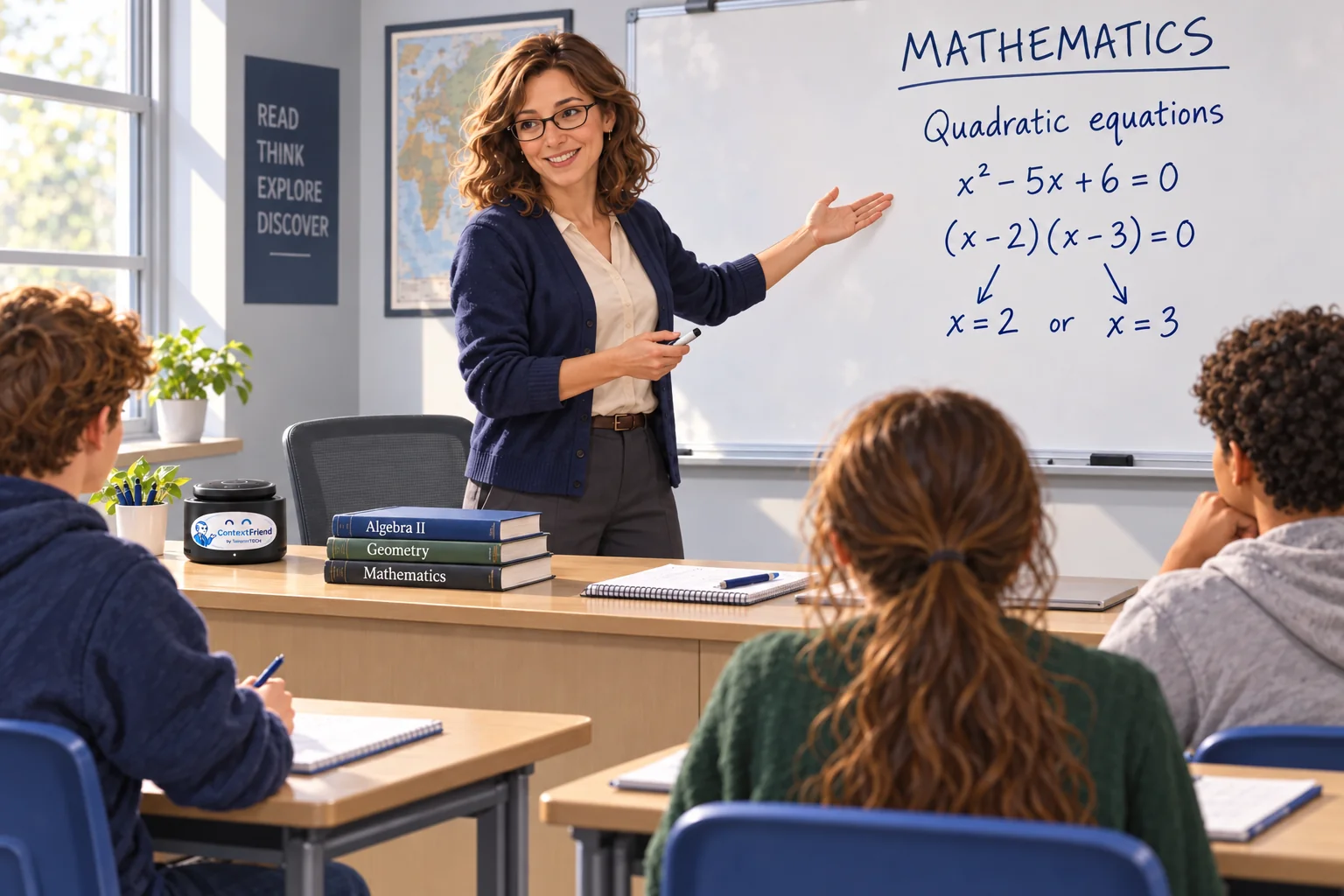
A classroom seen from the back: pupils at desks facing a teacher at the blackboard, with a ContextFriend box on the desk in the foreground.
Where it actually sits: on a desk, at the front of the room.

Questions school operators actually ask

Does audio leave the school?

No. Audio is streamed on the school LAN and never sent to a cloud speech-to-text API. During a supervised pilot an on-premises archive can be enabled for quality analysis, and it is purged afterwards.

Does it work offline?

Teaching does. Updates, model downloads, remote administration and the optional cloud text-to-speech need a network path; the lesson itself does not.

Do you identify students?

No. Speaker labels are anonymous (Teacher, Speaker-2). There is no face recognition, no attendance tracking and no grading from audio.

Where does the data live?

On the Central Brain on the school LAN, or another local site the operator controls. Remote access to the portal goes through the school's VPN or tunnel — it is not a public SaaS URL.

What hardware do we need?

One strong local machine plus a Room Brain per room. A Mac mini in the 64 GB class is our current pilot profile, not a requirement — a similar on-premises box is fine. The Room Brain is Raspberry-Pi class with a speakerphone.

Is there a price list?

No public prices. We start with a supervised pilot in your school, and the pilot tells us both what the right shape is.

How does this sit with GDPR and FERPA?

The architecture is on-premises: TamerinTECH does not host classroom data, so the school stays the controller for it. We do not claim a compliance badge — we give you an architecture your data protection officer can inspect.

Can the works council or the DSB inspect it?

Yes. There is a local admin overview of what is stored, what the retention is, and a purge button. Nothing about it requires our involvement.

Can rooms share memory?

Only if an operator explicitly links rooms or assigns shared collections — a workshop plenum, for example. The default is isolation.

Bring ContextFriend to your school.

We are selecting a small number of schools and workshop partners for the first supervised pilots in Germany.

Tell us about your school. We will tell you honestly whether ContextFriend fits it yet.

+49 8026 387 25 98

TamerinTECH GmbH processes this form to answer your pilot request (double opt-in). Confirmed leads are kept up to 24 months. Unconfirmed submissions are deleted after 14 days. Details: Privacy. You can object at hello@context-friend.com. Erasure requests: we aim to complete them within 30 days. Privacy